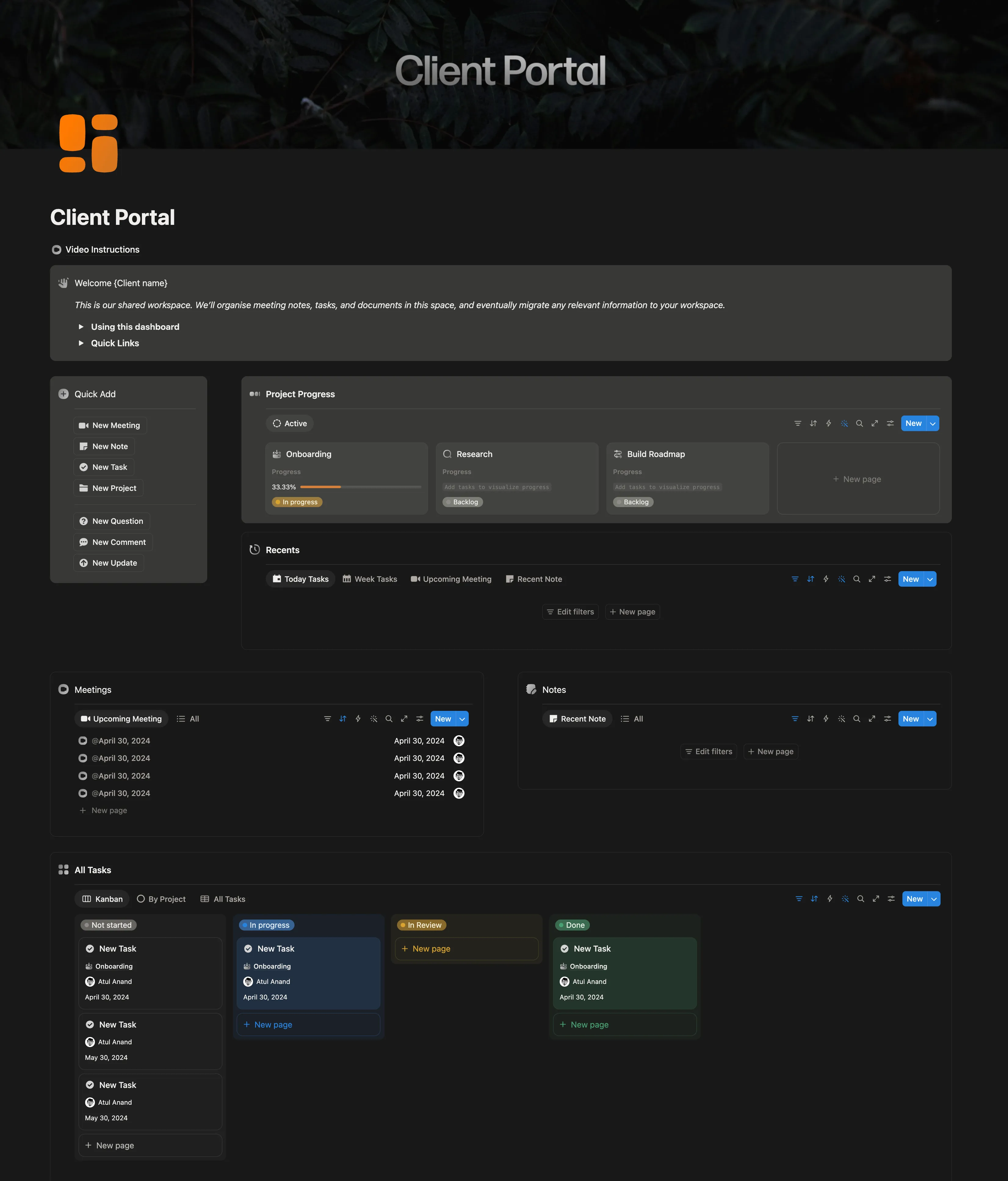
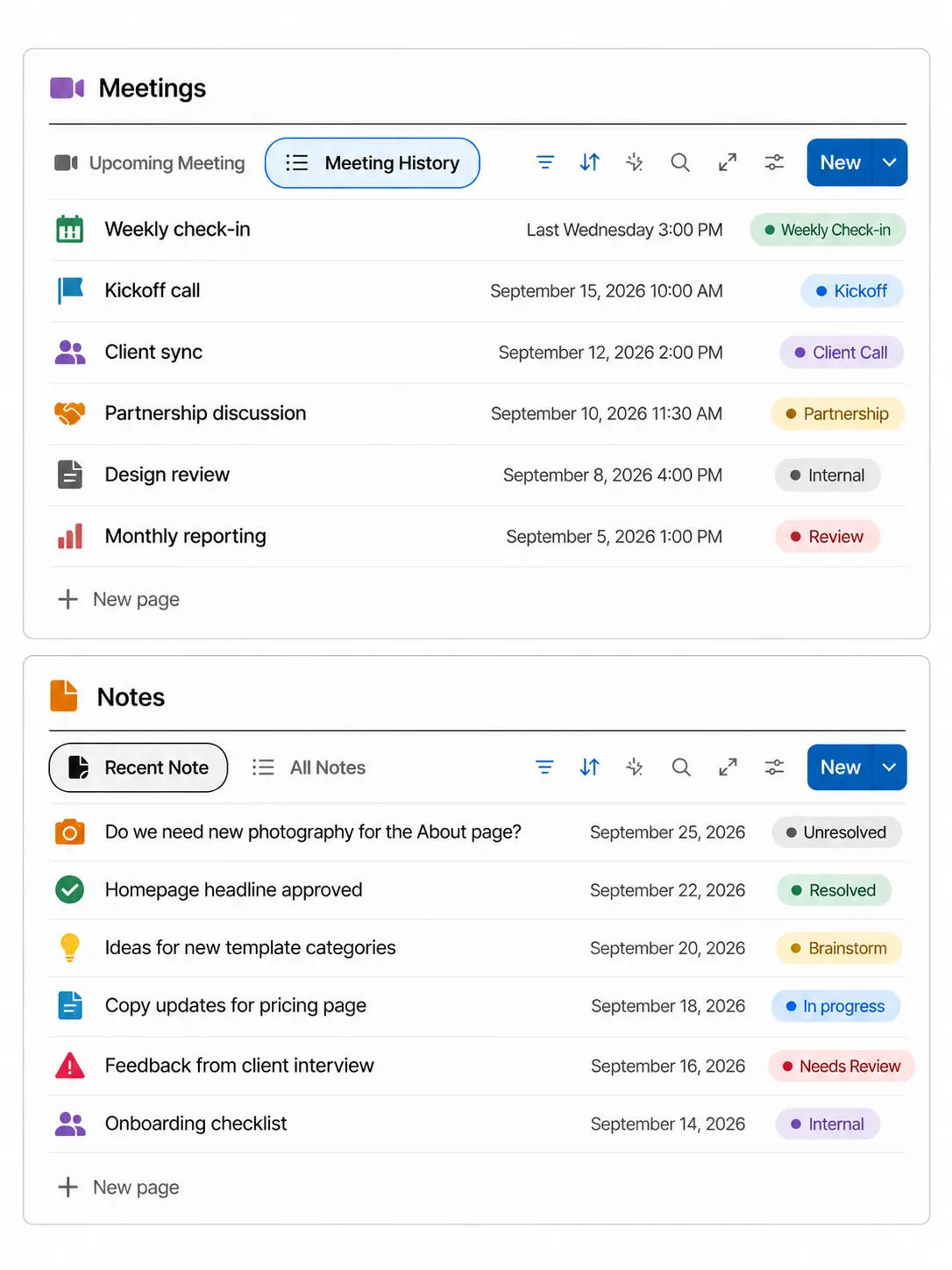
A free Notion client portal for freelancers and agencies running more than one client in one workspace. Each client sees their own tasks, meetings and notes. Your hours and internal notes stay yours.
Get it free. Enter your name and email, confirm it, and the template opens.
Delivered through my newsletter, The Operator. One system a week. Unsubscribe anytime.
✓ Almost there. Check your inbox and confirm your email to get the template. Can't find it? Check Promotions or spam. It comes from Atul Anand.
You've already requested this one. Here's the template.
Something went wrong. Please try again.
Most shared portals leak in two places: other clients' rows, and the internal columns you never meant a client to read. This one is built around both.
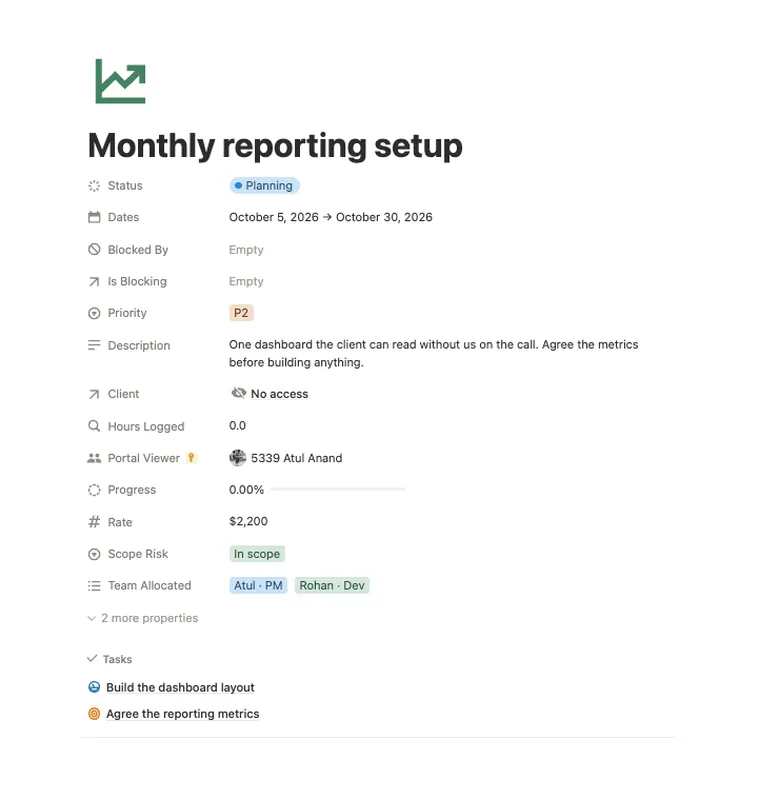
A page-level access rule on the Portal Viewer field means a guest only opens the rows they are on. Every view on the dashboard follows the same rule.
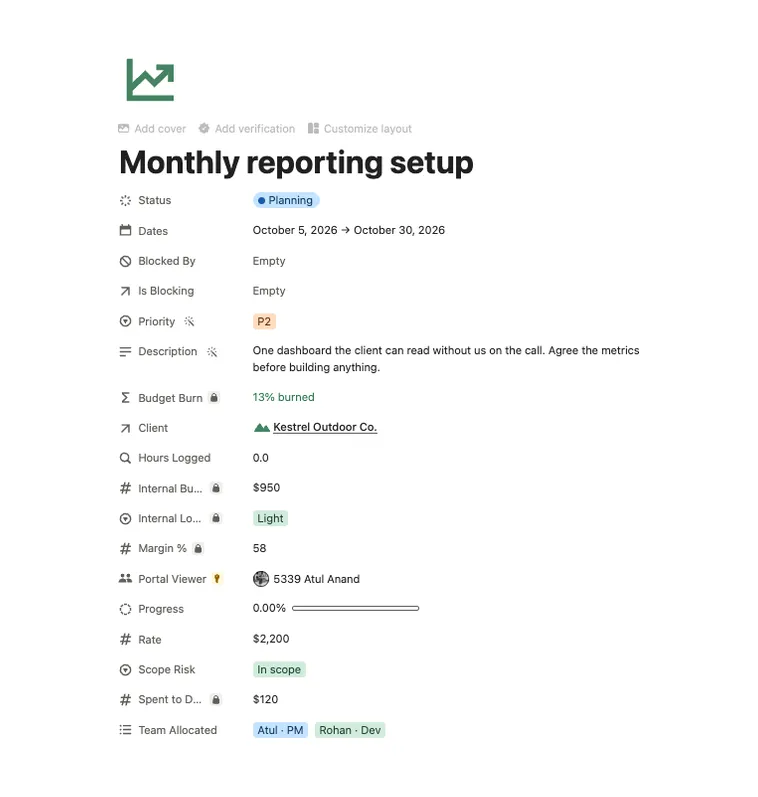
Estimated Hours, Actual Hours, Internal Blocker and Hours Variance are locked with property access, so they stay hidden even inside the client's own task.
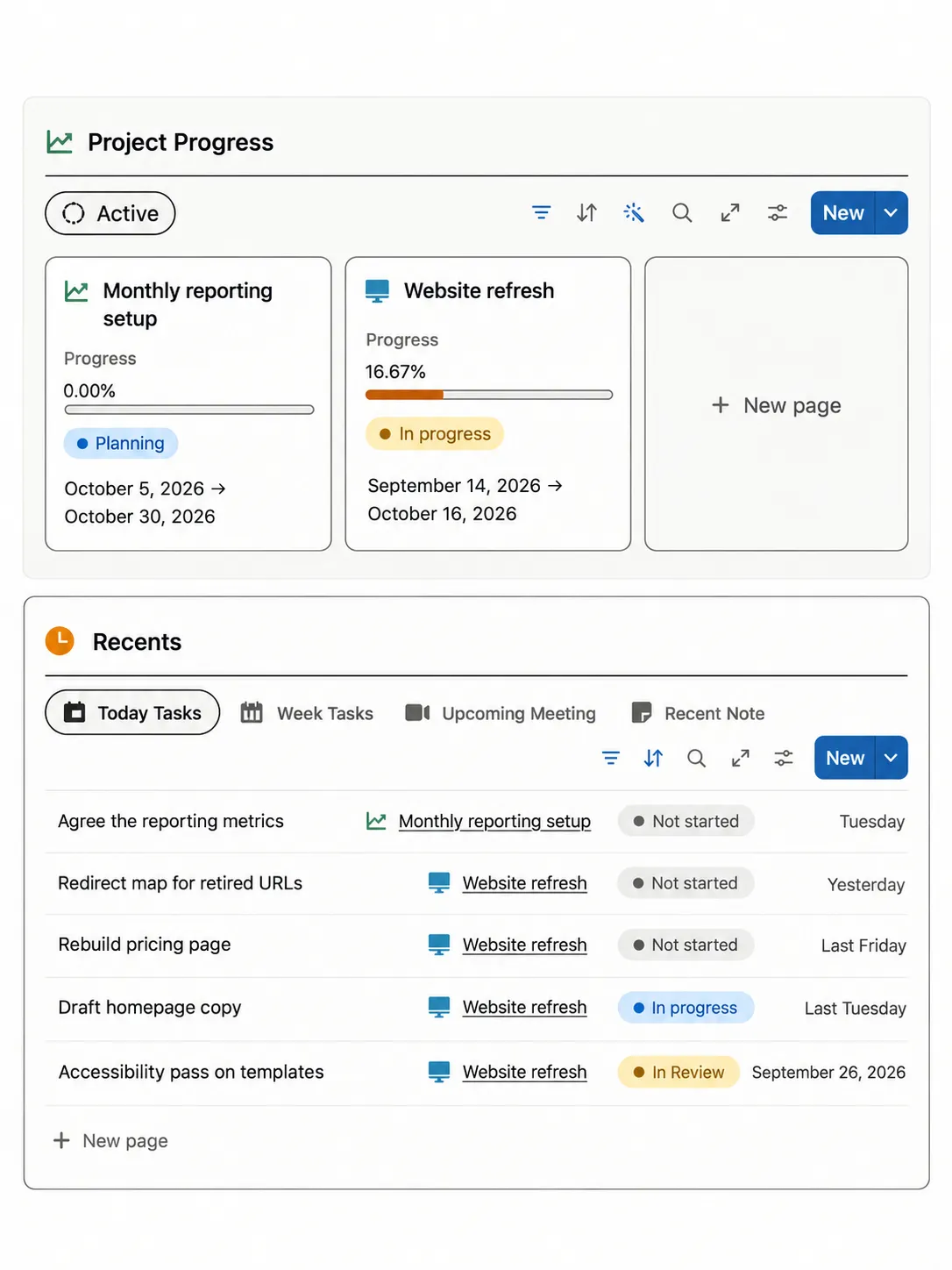
Project Progress, Recents, Meetings, Notes and All Tasks on a single page, with open work first and the soonest due on top.
Hiding a column in a view only changes the layout. A guest who opens the page still sees it. The portal locks columns at the source instead.
Remove the guest's access to the Tasks database itself. Page-level rules add access, so a guest with database-wide access still sees everything.
On the source Tasks database (not a linked view), go to Share, then Page-level access, then Add a new rule, and pick Portal Viewer.
Turn on property access for Estimated Hours, Actual Hours, Internal Blocker and Hours Variance.
Log in as the client in a separate browser profile and open one of their tasks before you send the link.
Join free, confirm your email, and the Client Portal template is yours. After that, one short issue a week breaking down a system you can copy.
Want your whole client and agency system built for you? Book a free 30 minute call.